Design · ship Aug 26, 2026
Screenify Studio
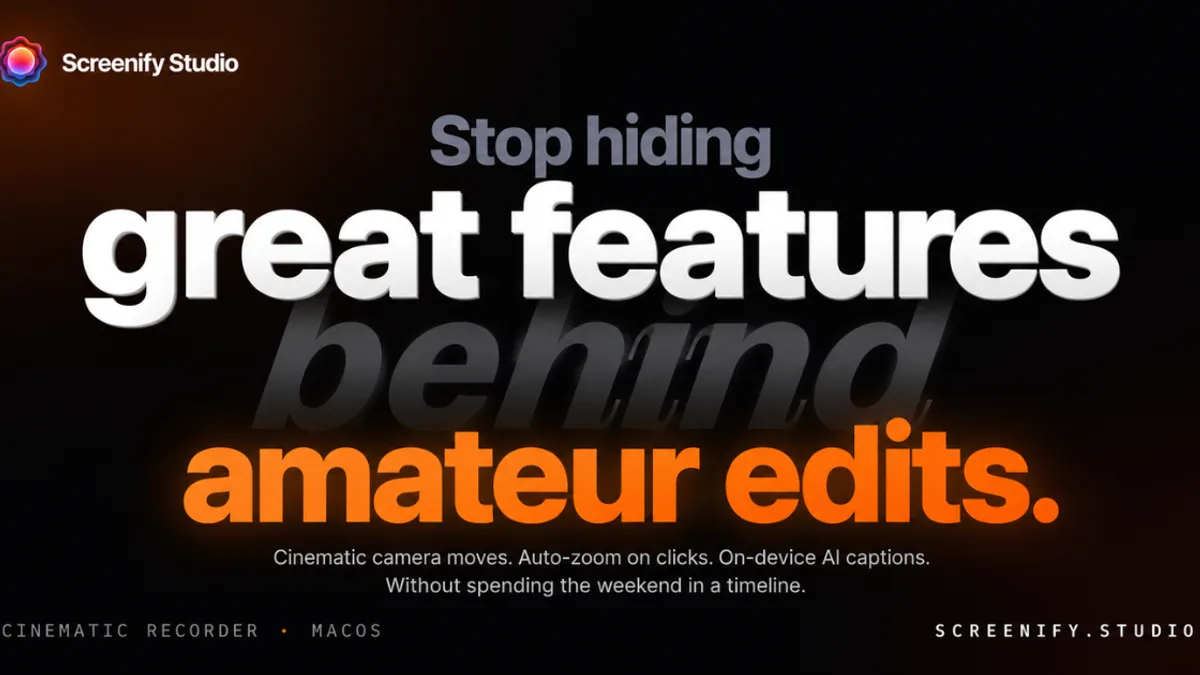
Mac screen recorder that turns rough captures into polished product demos — cinematic camera, device stages, on-device AI captions.
Describe a demo in plain English or record yourself; get cinematic zooms, callouts, MacBook/iPhone stages, and on-device captions — free to start on macOS.
Why on the board
Verified live 2026-09-23. Product Hunt featured 2026-08-26 (~28d) — brand-new Mac demo studio for makers shipping in public, not a household screen-recorder brand.
What it is
Screenify Studio is a macOS app for makers who need product demos that look finished without a day in a video editor. We verified www.screenify.studio on 2026-09-23 (HTTP 200): you either describe a flow in plain English and let an agent drive a real browser to record it, or capture the screen yourself, then polish the take with cinematic camera moves, spotlights, callouts, and device mockups (MacBook / iPhone / iPad). Captions and some AI assists run on-device; a CLI path exists for agent-driven workflows. Free tier to start; Pro/lifetime options for heavier use. Currently Apple Silicon macOS only by design.
Who it is for
Indie hackers, solo founders, and small product teams who ship in public and post demos on X, Product Hunt, or a landing page — and who hate the “flat Loom recording” tax. If you already have a motion designer, After Effects templates, and a weekly demo pipeline, you do not need this. If your features keep looking invisible because the capture is static and uncut, a Mac-native demo studio is the interesting shape.
Why we listed it
Fresh public launch: Product Hunt featured day 2026-08-26 (~28 days before this listing), live site verified 2026-09-23. Board is Dev-tools heavy; Design / demo-polish for makers was still thin beyond Polishory’s URL audit. Fits the new-only bar: early indie Mac tool from a named maker (HCMC), not Screen Studio / Loom as a household brand clone listing.
Caveats
We have not bought a Pro license or run a long agent-recorded demo end-to-end as a paying customer. macOS-only (Windows/Linux on roadmap per vendor). AI browser driving quality, Free vs Pro limits, and 3D-stage fidelity are vendor claims — treat the free download as the proof, not the marketing page. Early-product risk: CLI surface, caption languages, and pricing will still move.
Next step
Try Screenify Studio
External product site. We write our own notes — we don’t paste vendor marketing.
Open Screenify Studio →For the maker
Built Screenify Studio? Add the listed badge
Drop this in your site footer or README so visitors can read our independent notes on your product. Optional and free — a listing never depends on a backlink.

<a href="https://sudoai.net/launches/screenify-studio/" target="_blank" rel="noopener"><img src="https://sudoai.net/badges/listed-on-sudoai-light.svg" alt="Screenify Studio — listed on sudoai.net" width="162" height="54" /></a>The badge links to this page. Use it only for products on the board — we don’t hand out rank or “featured” badges.
Notes are original sudoai.net curation for makers. Facts checked against the live product URL on list day; features and pricing change — verify on the vendor site before you buy or integrate.